AI sign generator with the words you type

This AI sign generator draws shop signs, neon signs, menu boards and door plaques with the exact words you give it. It starts on Qwen Image 3.0 with the shop-sign style, and you can switch to 3.0 Pro for dense boards or to neon, label and letterpress styles. Use it for mock-ups, concepts and your own signs. QImageAI.com is independent and not affiliated with Alibaba or the Qwen team.

Last updated:

0/800

These exact words go to the model in quotes. English, Chinese or both.

Qwen Image version

The newest standard version and the default here.

Images
Cost 29 credits

The free credits cover one Qwen-Image-2.1 image (25 credits). No watermark.

Example

Prompt ideas to try with Qwen Image 3.0

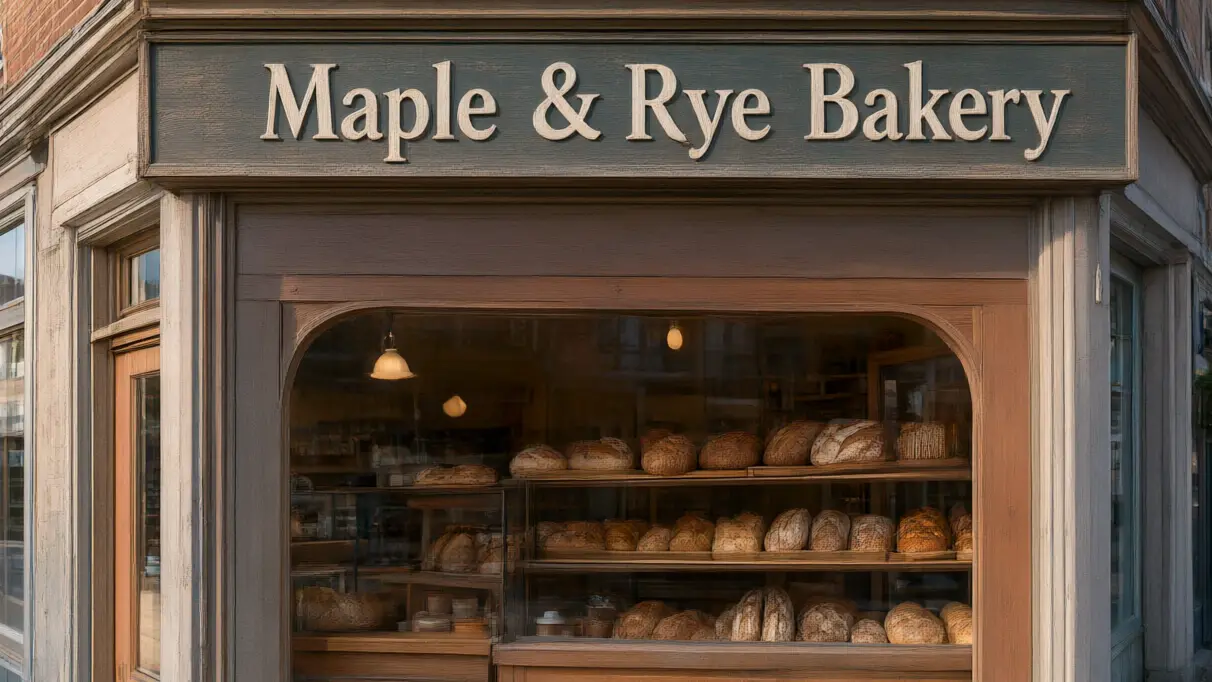
Bakery storefront with a painted fascia sign reading “Maple & Rye Bakery”
16:9 · Shop sign“Maple & Rye Bakery”
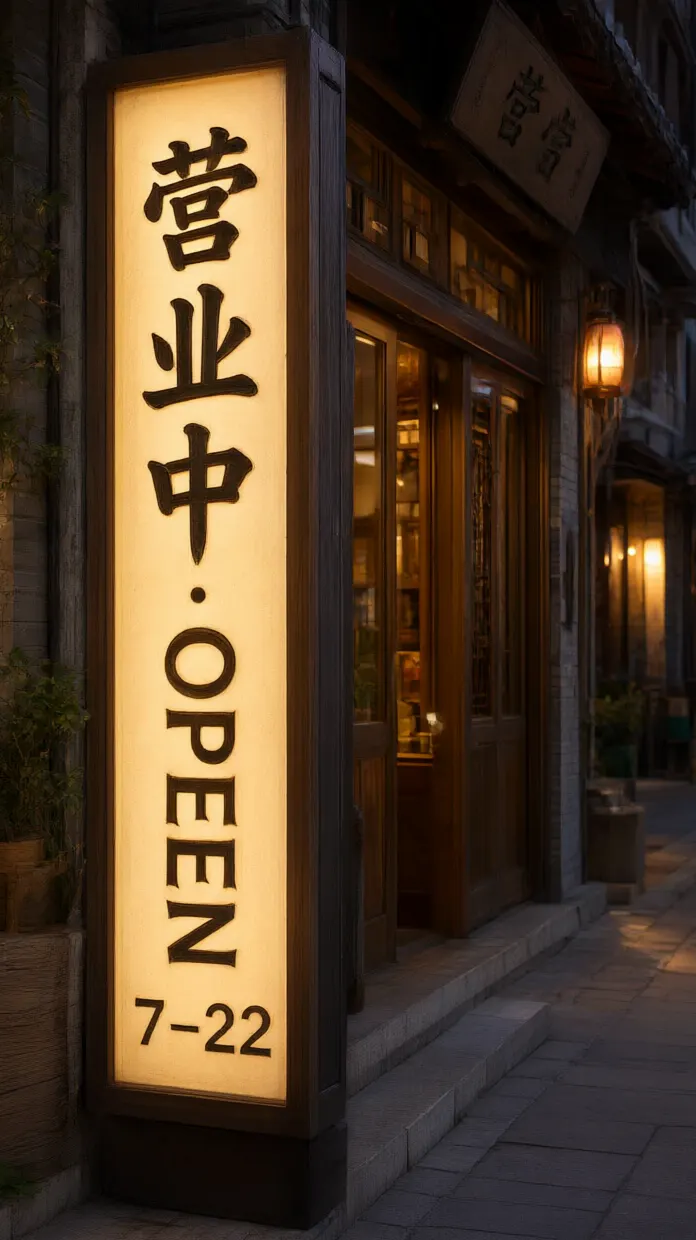
Vertical tea-shop lightbox reading “营业中 · OPEN 7–22”
9:16 · Shop sign“营业中 · OPEN 7–22”
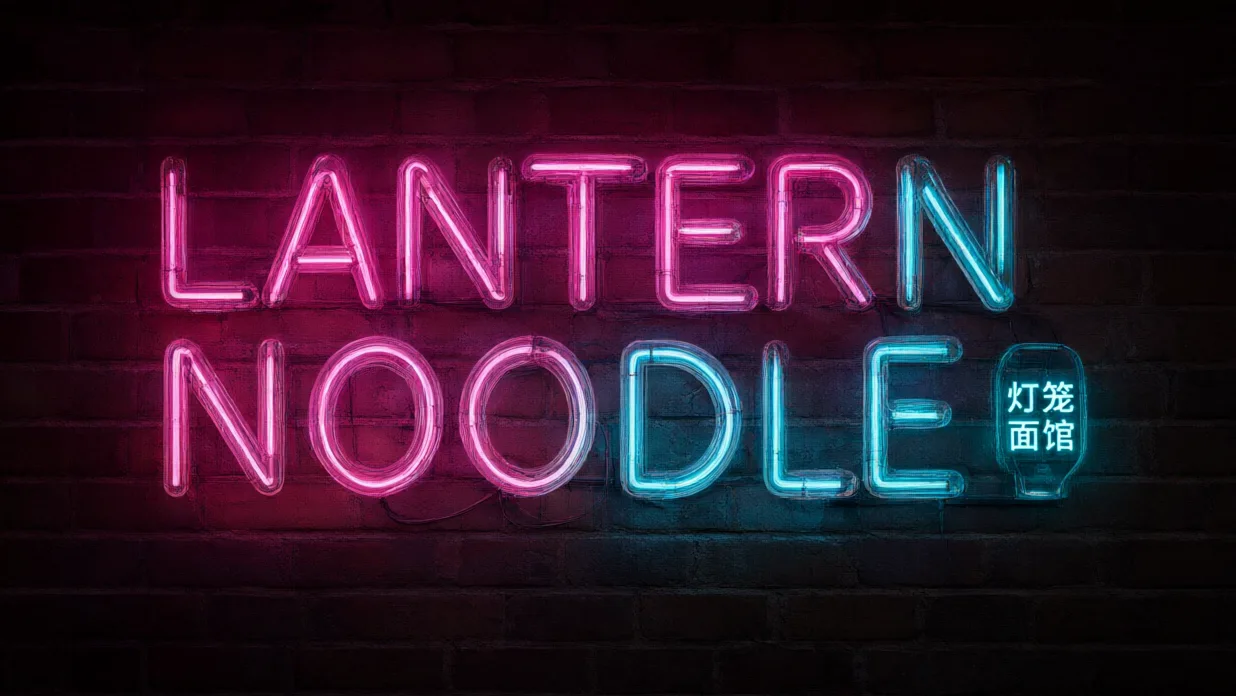
Pink and cyan neon sign reading “LANTERN NOODLE 灯笼面馆” on a brick wall
16:9 · Neon“LANTERN NOODLE 灯笼面馆”
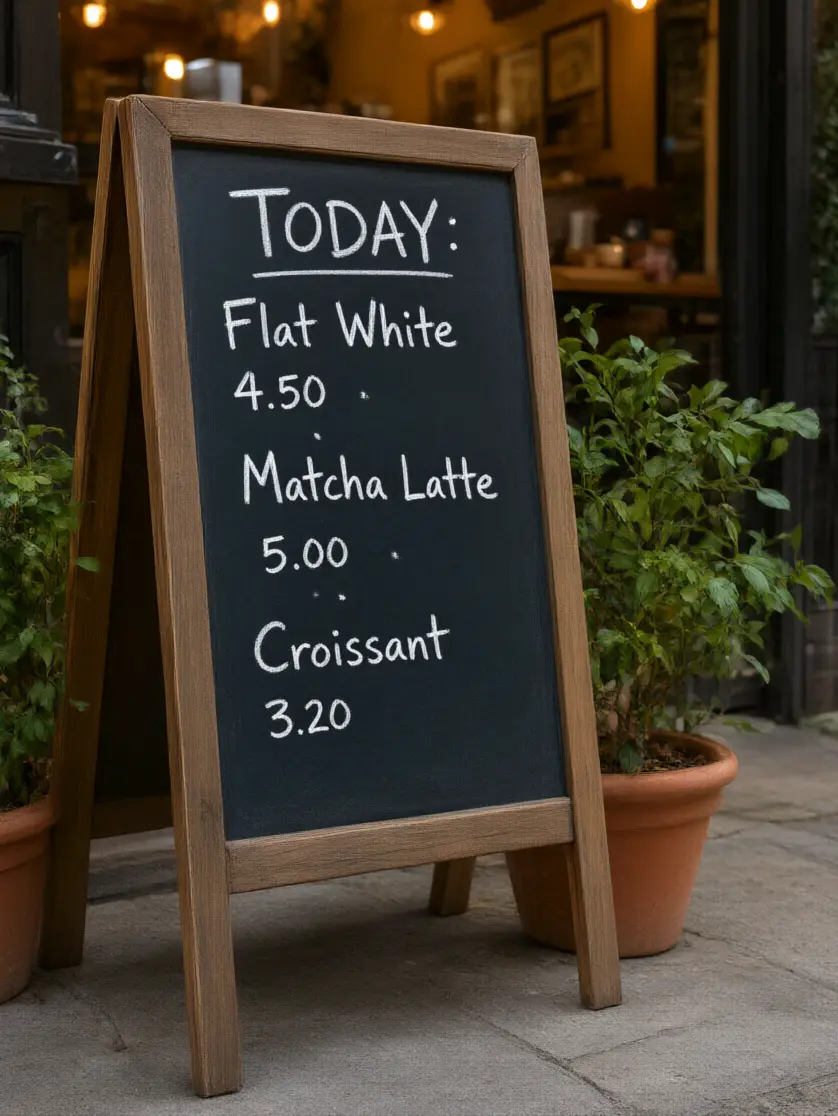
Chalkboard A-frame café menu listing flat white, matcha latte and croissant prices
3:4 · Menu board“TODAY: Flat White 4.50 · Matcha Latte 5.00 · Croissant 3.20”

Good for

  • Storefront and window sign mock-ups before you order one
  • Café menu boards and price lists
  • Neon sign ideas for a bar or a room
  • Bilingual signs in English and Chinese

How to use it

  1. 01

    Say what kind of sign

    Painted board, neon tubes, carved wood, a chalk menu: name the material and where it hangs.

  2. 02

    Type the sign’s words

    Put the exact words in the text field, line by line. Keep it to what a real sign would say.

  3. 03

    Pick the best and fix details

    Make up to four versions, then change one word or colour with Edit and upscale the keeper.

Why signs suit the Qwen-Image models

A sign is mostly lettering, and lettering is where many image models slip: extra letters, melted strokes, made-up characters. The Qwen-Image family was built with long English and Chinese text in mind, which is why this generator runs on it. It still gets things wrong sometimes, so check the spelling before you use a picture.

Signs for real shops and real brands

Make signs for your own business, for clients who asked you, or for fictional shops. Don’t put another company’s name, logo or trademark on a sign you aren’t making for them: our Acceptable Use Policy doesn’t allow it.

What it costs

One Qwen Image 3.0 image starts at 29 credits. Other models and larger sizes cost more; the generator shows the exact credits before you start, and a failed image is refunded automatically. Plans start at $13.39 a month or $133.90 a year, and the one-time pack is $34.35. See packs and the monthly plan

Credits for each version and size
Version1K2K4K
Original30——
234——
2.12548—
3.029——
3.0 Pro3972—

Questions

Can I print the signs I make?

Yes. Use 3.0 Pro at 2K or upscale the picture 2x for a bigger file. For large prints, check the spelling and edges at full size first.

Can the sign be in Chinese?

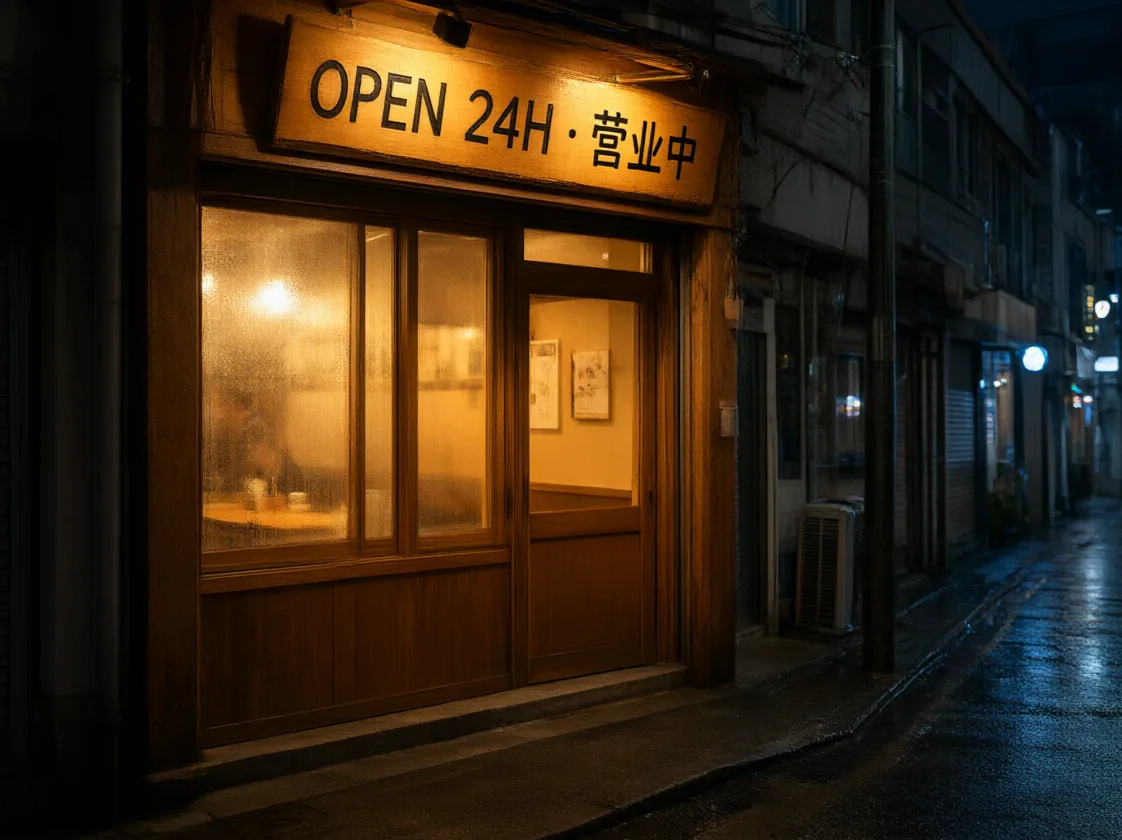
Yes. Type the Chinese characters in the text field; mixed lines like “OPEN 24H · 营业中” work too.

Can I make a sign with a famous brand’s logo?

No. Our Acceptable Use Policy doesn’t allow other companies’ logos or trademarks on signs you aren’t making for them. Use your own shop name or an invented one.

What does one sign cost?

The price for your exact choice is on the button before you run it. Failed pictures are refunded automatically.